PuttyComSelect - open the right COM port in PuTTY with one click
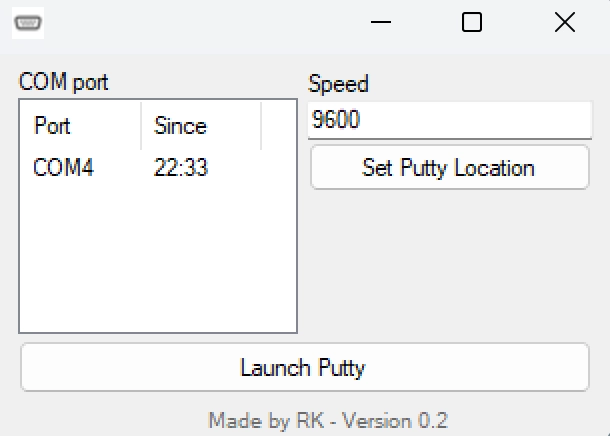
A lightweight Windows utility that takes the hassle out of serial console work.
Anyone who configures switches, routers or other hardware over a console cable knows the routine: plug in the USB-to-serial adapter, open Device Manager, find out which COM port Windows gave it this time, then type that into PuTTY. PuttyComSelect skips those steps. It lists every COM port that is currently available, puts the most recently connected one at the top, and launches PuTTY on the selected port with one click.
Features
- Live port detection: the list of COM ports, adapters appear and disappear as you plug and unplug them.
- A “Since” column shows when each port appeared, and the newest port is listed first, so the adapter you just plugged in is always easy to spot.
- One-click launch: PuTTY starts straight into a serial session on the selected port.
- A configurable baud rate (default 9600).
- A single portable executable. No installation needed.
Tech stack
- Language & framework: C#, .NET Framework 4.8
- UI: Windows Forms
- Tooling: Visual Studio